Live auctions are exciting for both the auctioneers and the bidders. Chats are coming in, buyers want to see a specific item: “do you have xxl?” “can i see that blue lamp on the shelf?” These are all critical sales opportunities that need to be addressed immediately, or the seller loses a customer. Many large seller accounts have an assistant, a helper that can monitor the chats, and respond to questions. But 90% of the live sellers work alone. And missing buyer questions leads to missed sales opportunities, and it becomes a vicious cycle. Adding a TTS Text-To-Speech will address this issue. A purposefully designed TTS Text-To-Speech reads buyer questions out loud for the sellers. So the seller won't miss important sales opportunities.
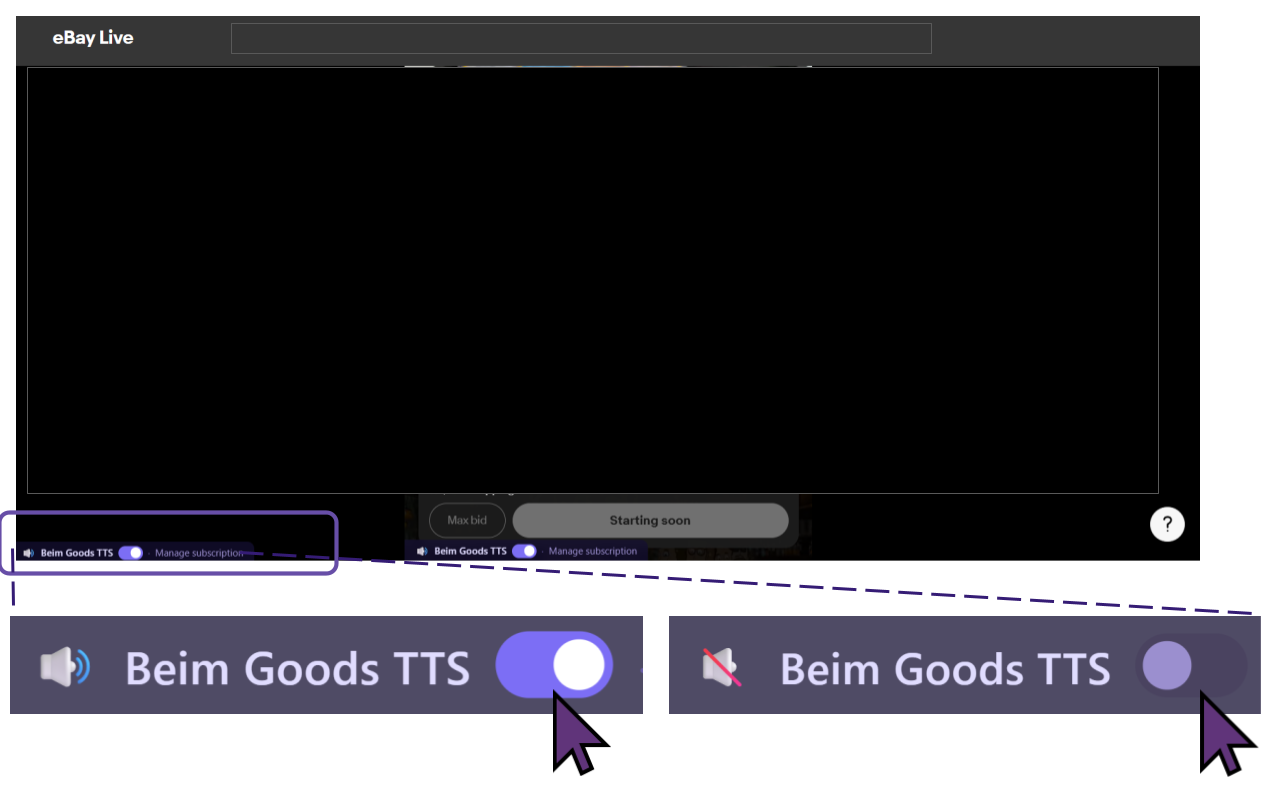
Additionally, the seller can choose to turn the TTS on/off with a small onscreen toggle switch.
Here is how to add TTS Text-To-Speech to eBay Live. IMPORTANT: MUST USE BROWSER.
Go to Google Chrome Web Store, and search for ‘Beim Goods Livestream Chat TTS’.
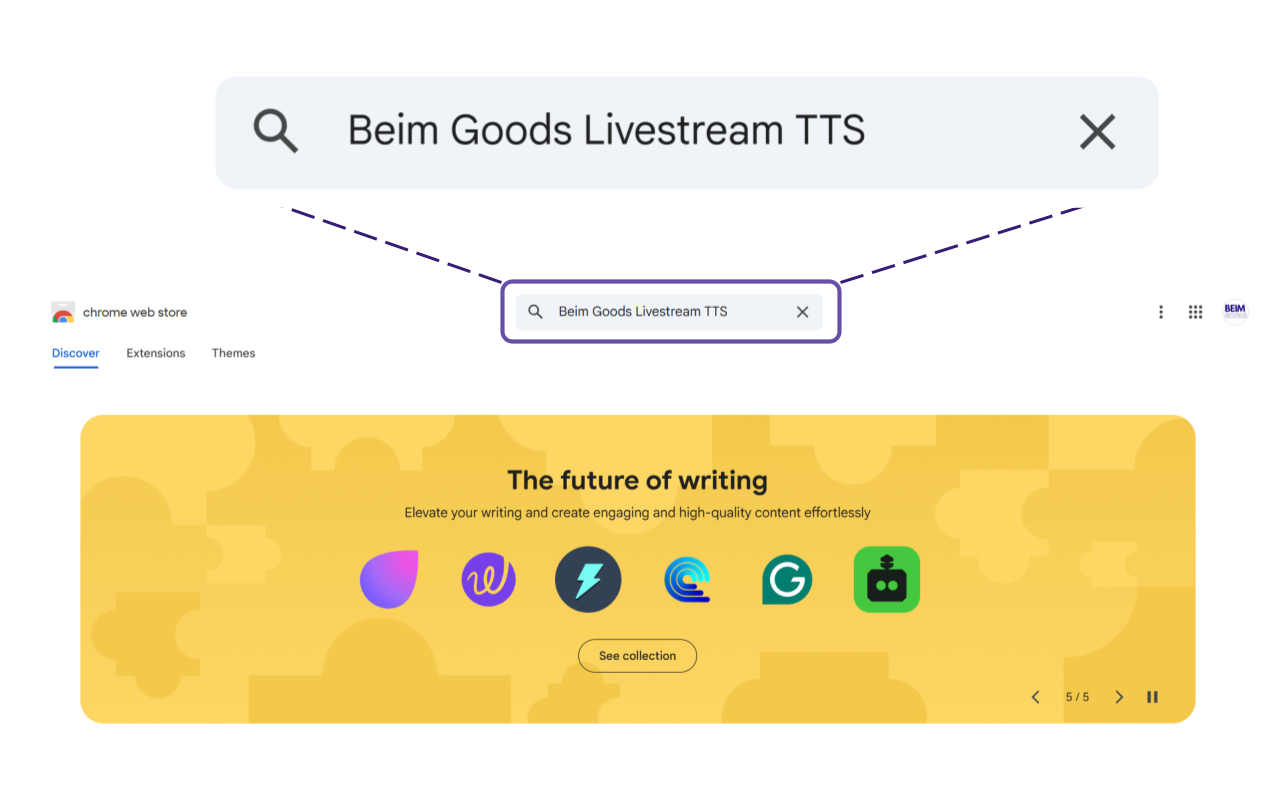
The TTS should look like this in Google Chrome Web Store. And click on it.
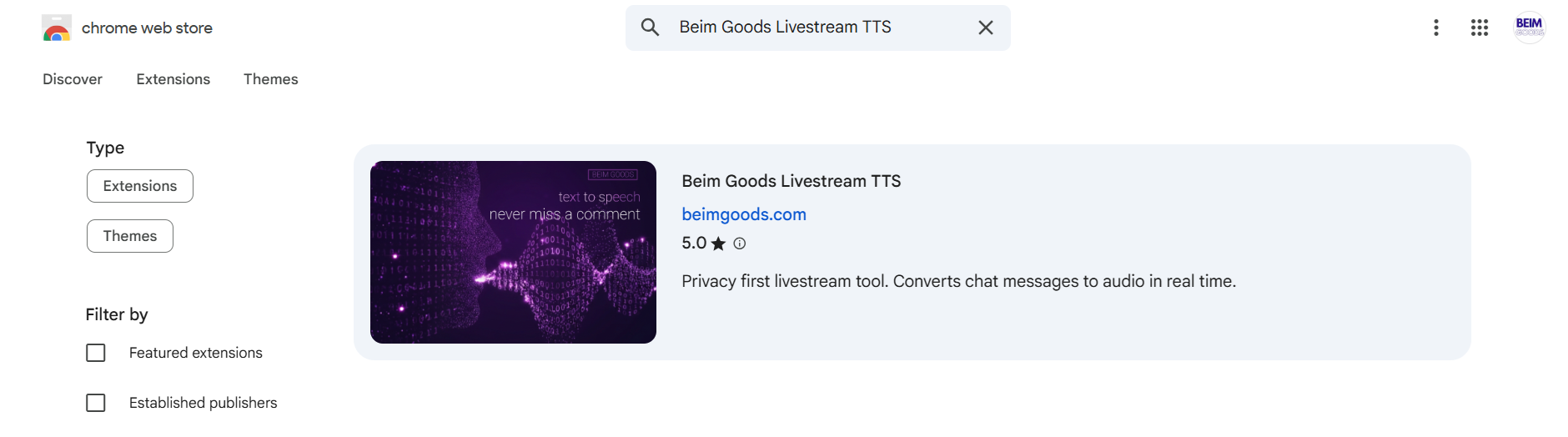
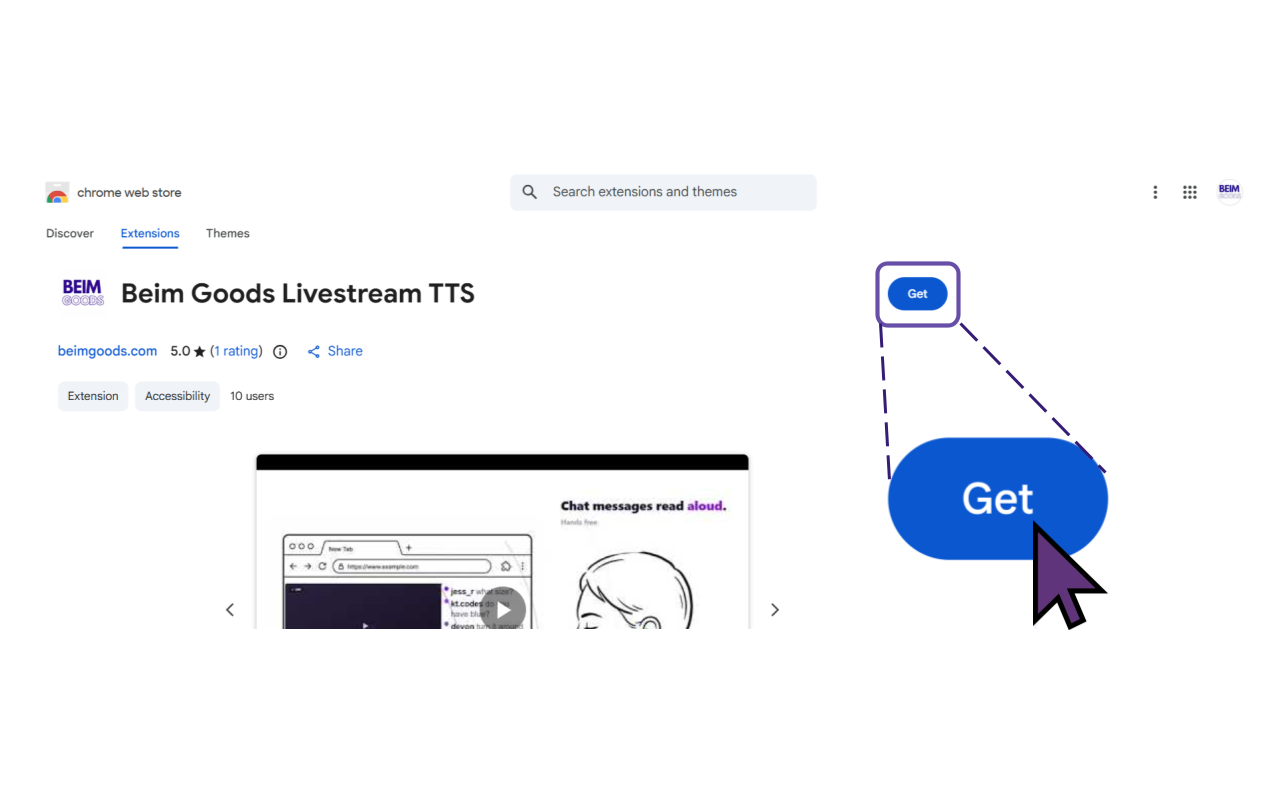
Then click ‘Get’ to install the Livestream Chat TTS.
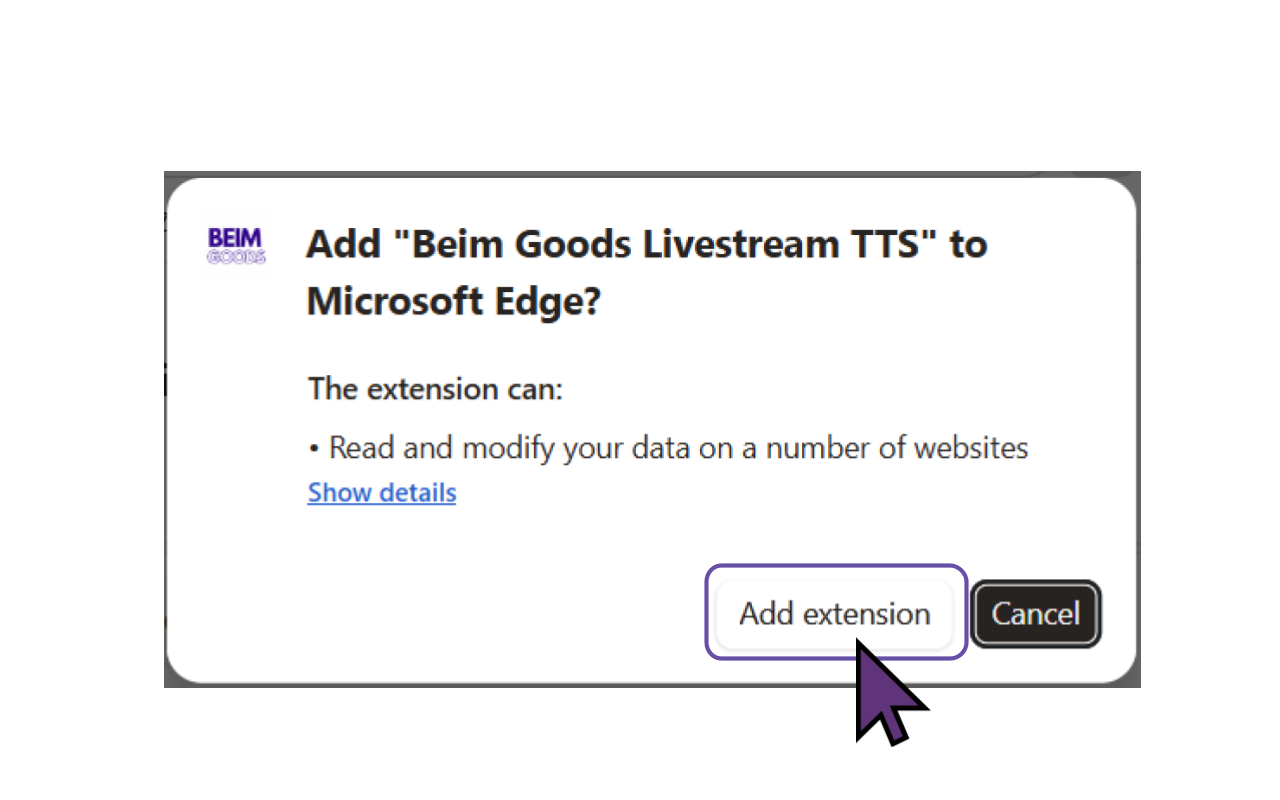
Then click ‘Add extension’ to add TTS Text To Speech to the browser. This version of Beim Goods Livestream Chat TTS is developed for Chromium based browsers, so it works for the majority of browsers such as Chrome Browser, Microsoft Edge, Opera, Brave, Vivaldi, Epic Privacy Browser, Slimjet, Comodo Dragon, Torch Browser etc.
Voilà, TTS Text To Speech is installed for eBay Live!
During a livestream, the streamer can choose to turn TTS Text To Speech On or Off.
 Get Beim Goods Livestream Chat TTS →