We love StreamYard. In addition to figuring out how different streaming platforms work, users also have to figure out the peripheral technology attached to livestreaming sessions, such as a mic, lighting, headphones etc. and ‘where is the mute button’, ‘how do i kick someone out of my livestreaming?’ (lol trolling is a real problem) Every streaming platform is a learning curve. StreamYard lets streamers add multiple destinations. And it has enabled some of the most popular social media platforms such as facebook, instagram, twitch, Kick, and linkedin etc. So streamers only have to ride the learning curve, or learning wall, once. We just realized we got too excited about StreamYard, let’s add some disclaimers here: we are not affiliated with StreamYard in any way, we just love the product.
As streamers ourselves, two of the biggest pain points are: 1) insufficient CPU/compute, because every millisecond of latency counts, and 2) cannot read audience comments in real time, as the streaming content is always on full screen display. Both of these problems can be solved by a good TTS. Beim Goods Livestream Chat TTS is only 70KB in packet size. It uses the browser's native speech synthesizer, so it converts text to audio locally and never on a third party server. It consumes little CPU cycles.
Here is how to add TTS Text-To-Speech to StreamYard.
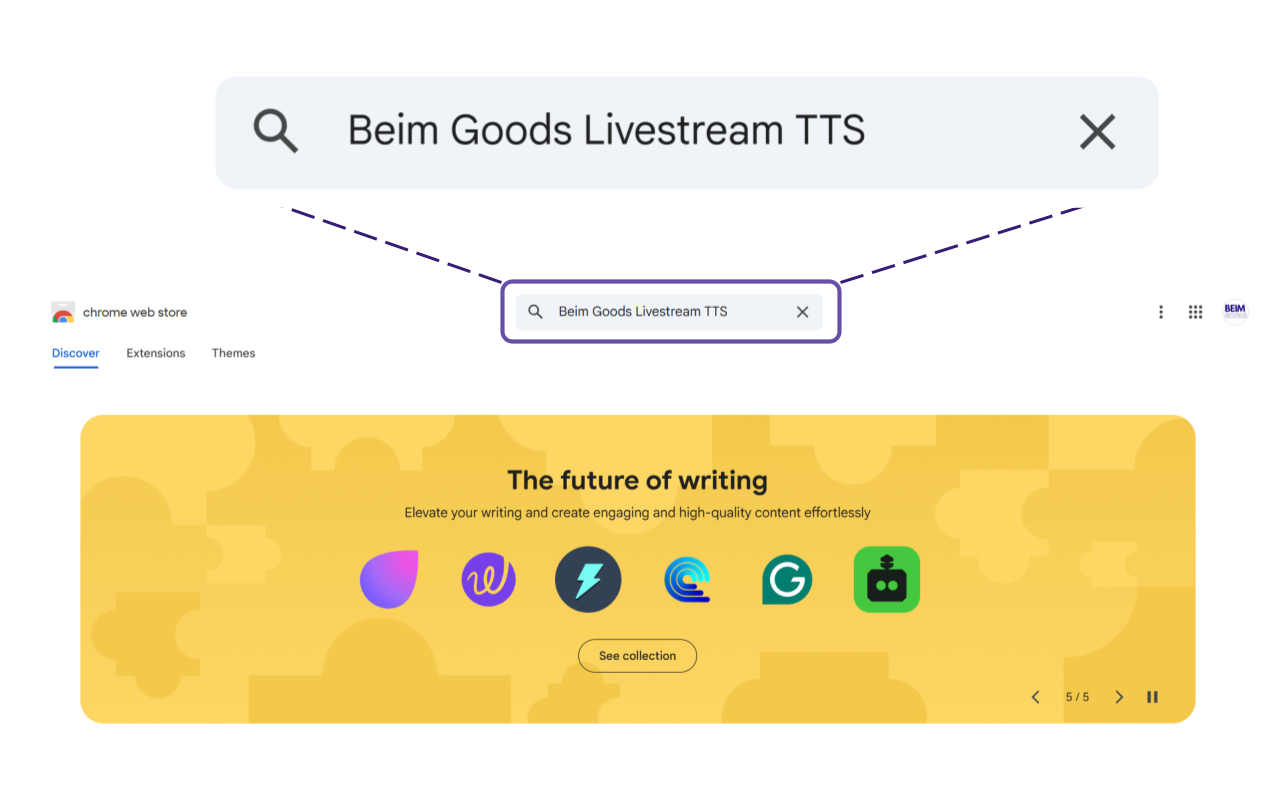
Go to Google Chrome Web Store, and search for ‘Beim Goods Livestream Chat TTS’.
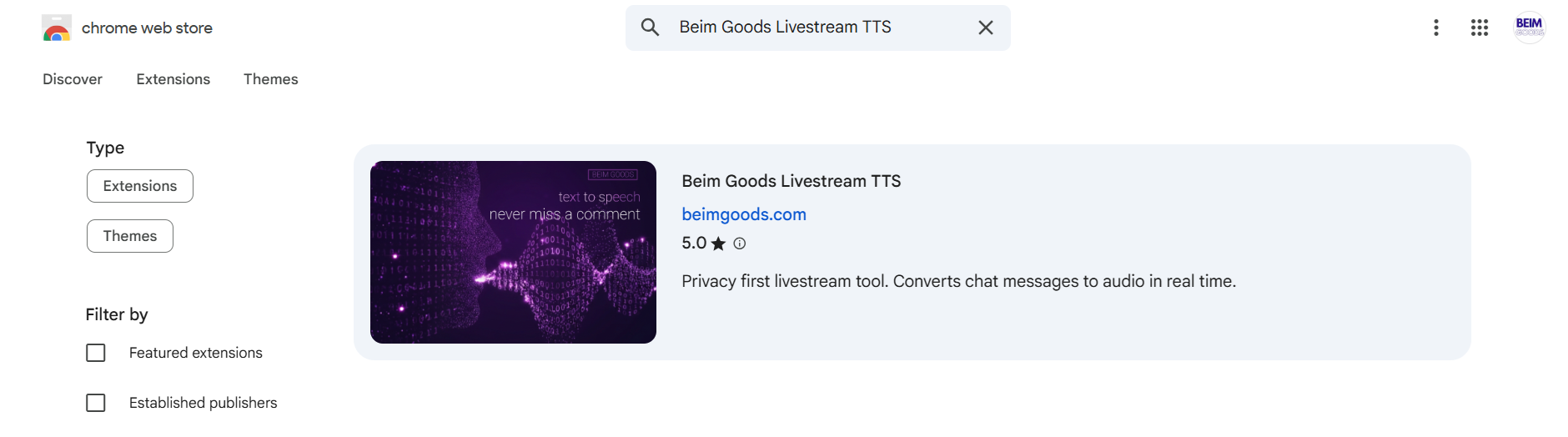
The TTS should look like this in Google Chrome Web Store. And click on it.
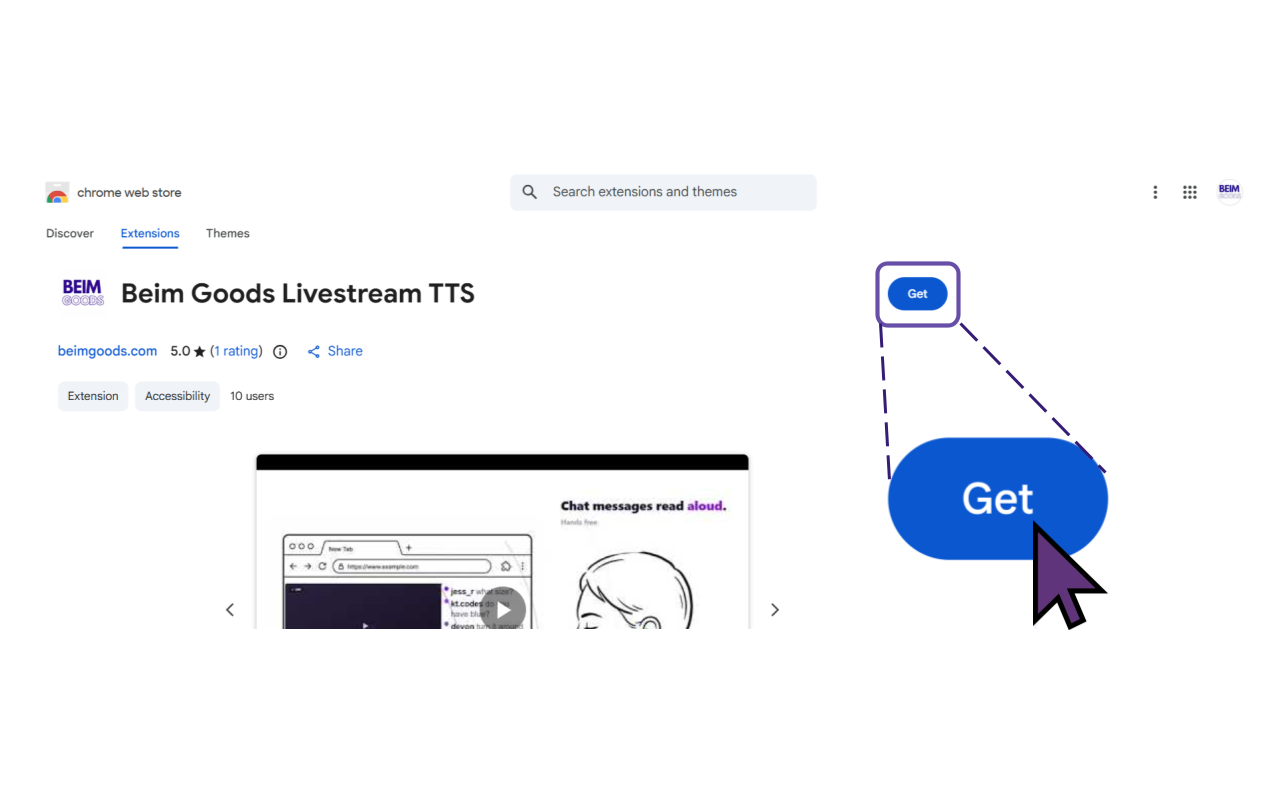
Then click ‘Get’ to install the Livestream Chat TTS.
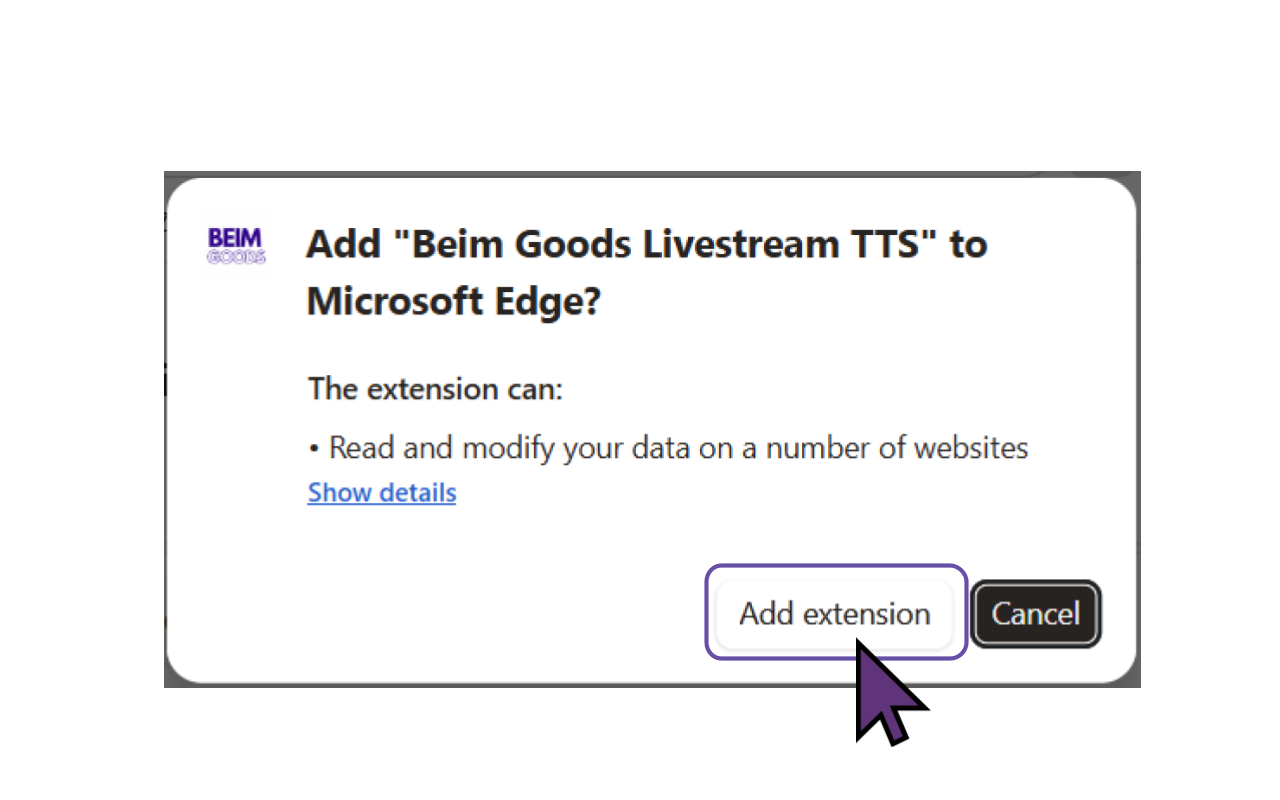
Then click ‘Add extension’ to add TTS Text To Speech to the browser. This version of Beim Goods Livestream Chat TTS is developed for Chromium based browsers, so it works for the majority of browsers such as Chrome Browser, Microsoft Edge, Opera, Brave, Vivaldi, Epic Privacy Browser, Slimjet, Comodo Dragon, Torch Browser etc.
Voilà, TTS Text To Speech is installed for StreamYard!
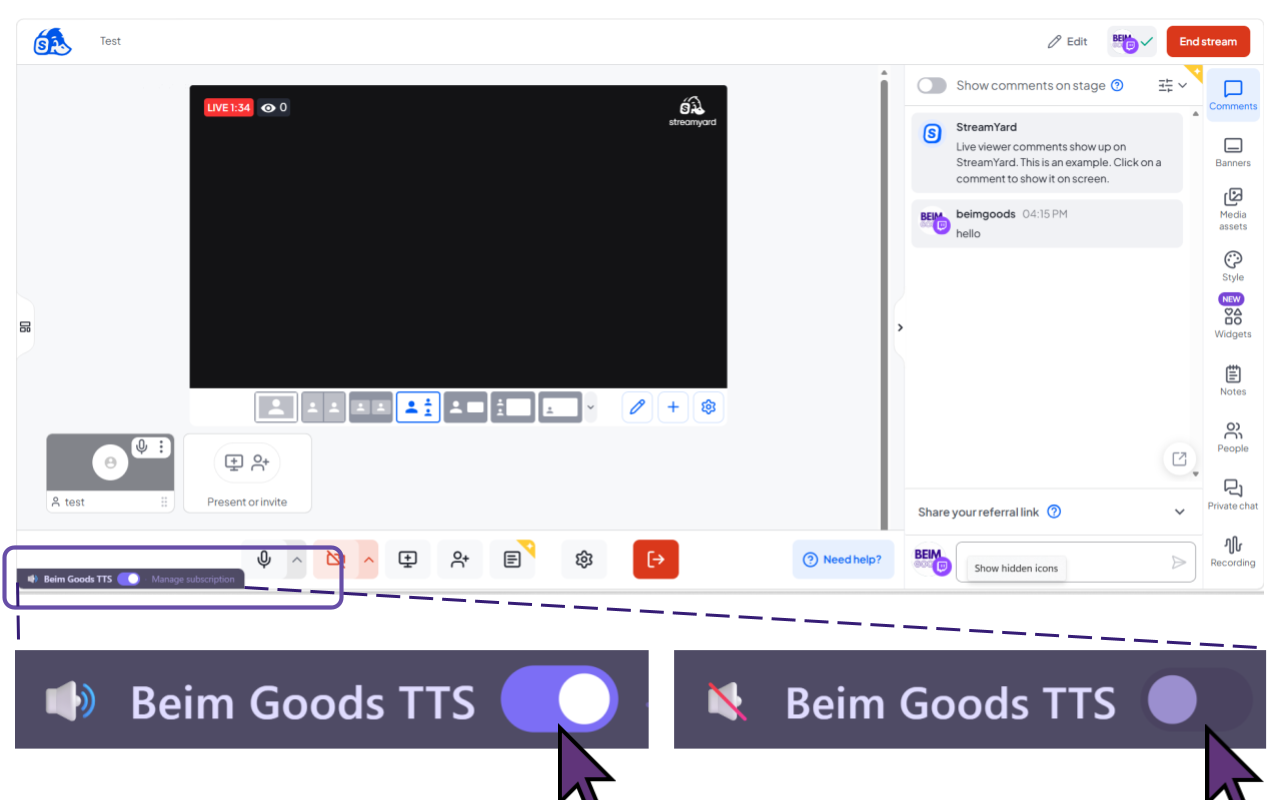
During a livestream, the streamer can choose to turn TTS Text To Speech On or Off. Goods Livestream Chat TTS offers a 30 day free trial, followed by a $1 monthly fee. Both the free and paid versions provide identical features, allowing users to fully explore the service before committing to a subscription.
Our TTS also works for Twitch Chat, Kick Chat. If there are specific platforms users would like us to support, please do not hesitate to send us a note :)
 Get Beim Goods Livestream Chat TTS →